Introduction
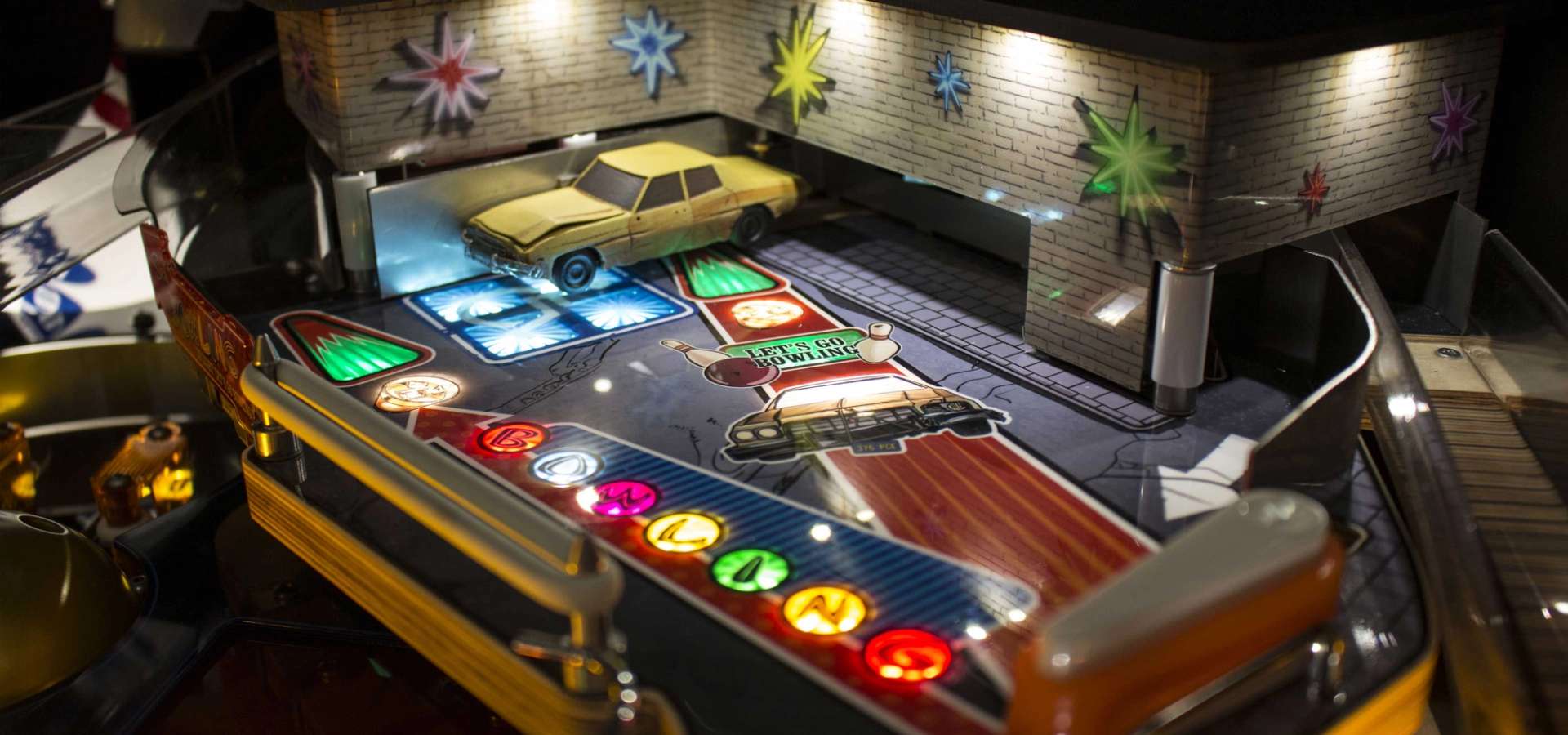
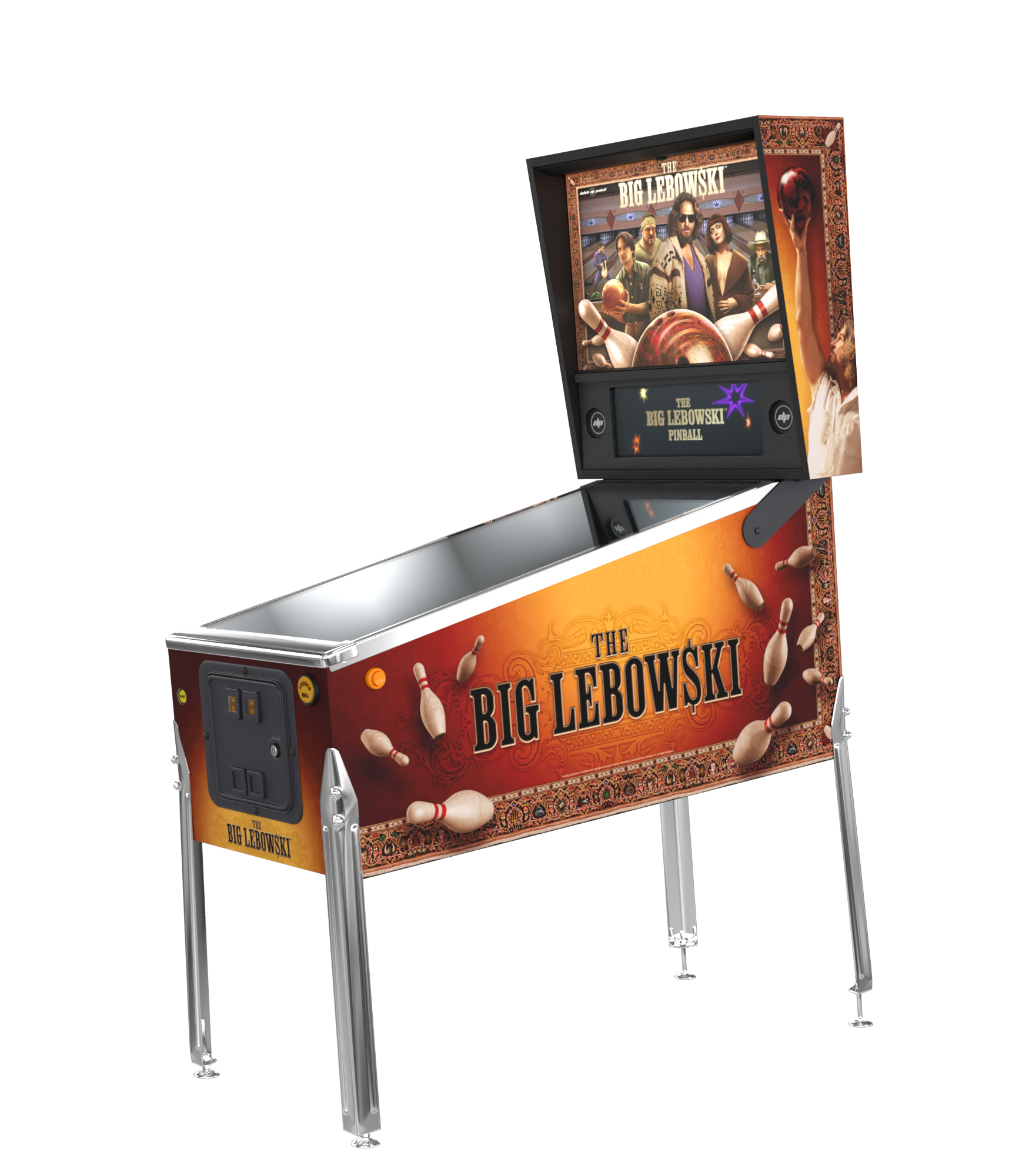
Immerse yourself in the cult classic. Featuring deep rule-sets, a Brunswick™ Bowling Alley with 10 controlled pins under the playfield, more than 200 quotes and clips from the movie, and rugged Dutch engineering.
Gallery
01 / 15

Key Features
- 3 flippers
- Multi-level playfield
- Bash Toys (Rug and Dude's Car)
- Up to 5-ball multiball
- Brunswick™ Bowling Alley with 10 controlled pins
- Deep rule sheet
- 101 LED lit inserts
- More than 200 quotes and clips from the movie
Videos
Download Software
TBL v1.15 (Latest - Delta Update)zip80 MB
LatestChangeloghtml57 KB
Operations Manualpdf6,4 MB
Score Cardspdf3,9 MB
Rules Flowchartpdf1018 KB
Operations Manual (Hi-Res)pdf58 MB
Rules Flowchart (JPG)jpg1,6 MB
Leafletpdf3,7 MB
Update Instructions
- 01Download the .zip file of the update (without renaming or extracting).
- 02Copy the .zip file to the root of a USB stick (not in a subfolder).
- 03Start your pinball machine and insert the USB stick in one of the USB ports of the computer in the backbox.
- 04Enter the Service Menu and go to "Software Menu" → "USB Update".
- 05Select the new version from the list. If not visible, reseat the USB stick.
- 06Wait for "Preparing delta update", "Copying" and "Installing" to finish. Do not turn off the machine!
- 07Select the new version and confirm by pressing the Volume + button.
- 08The game will restart using the new version.
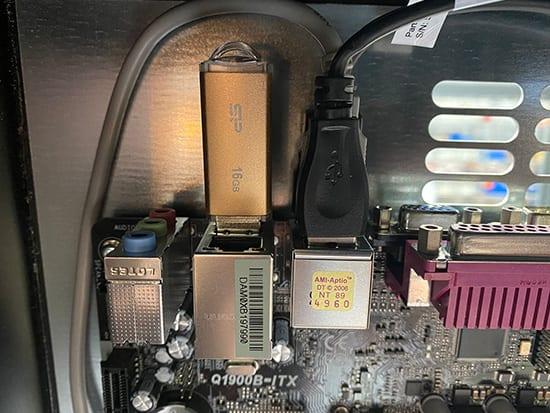
When you install an update, the previous version stays available so you can switch back.
All profiles, settings, highscores, and trophies carry over when updating.