Introduction
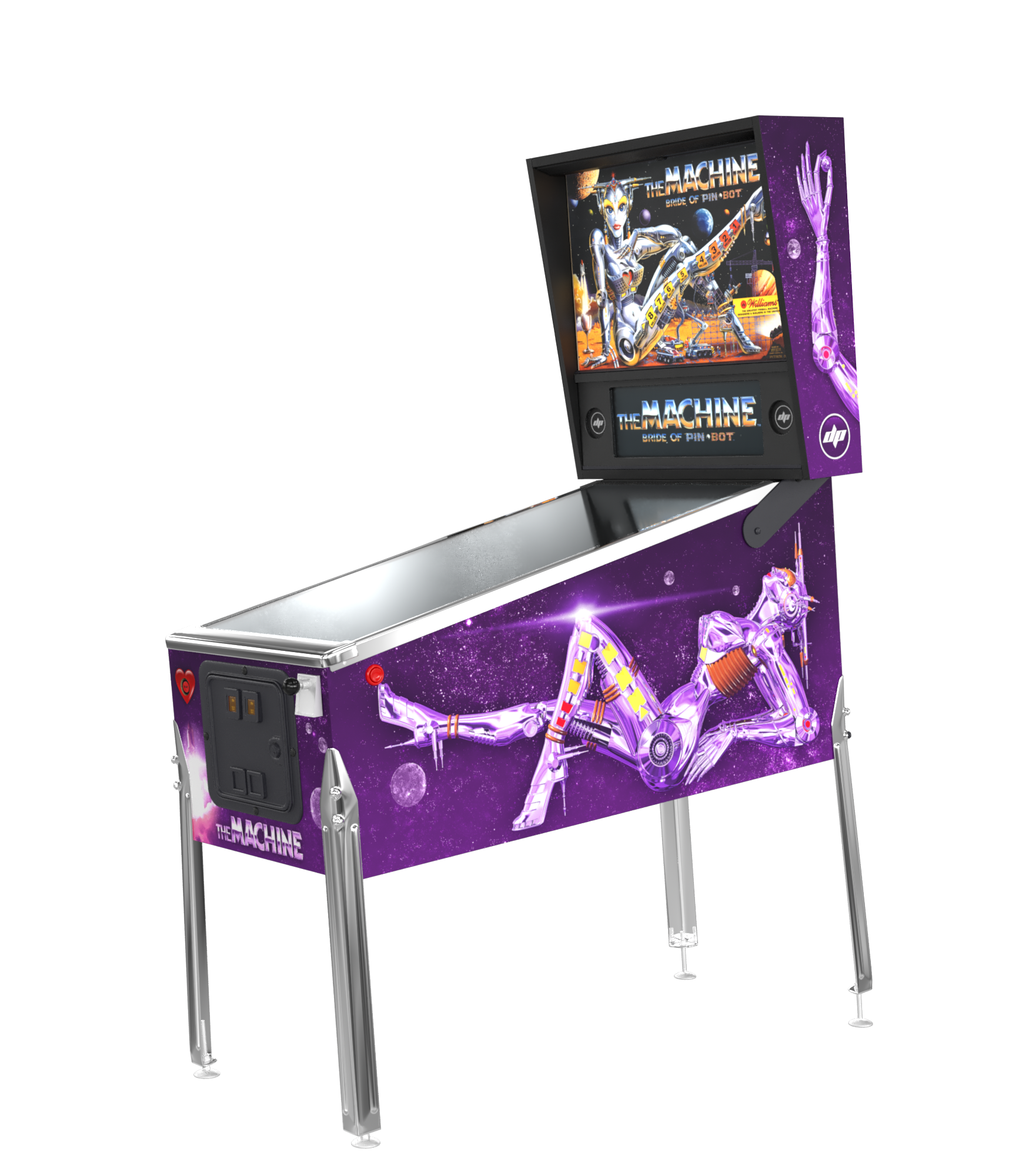
One pin, two games. Choose to play the original game or 2.0 with the press of a button! Based on P-ROC technology, Dutch Pinball developed a game conversion for The Machine: Bride of Pinbot. PIN*BOT is bored on his planet because his Bride has run out of battery power. PIN*BOT commands you to load up the Space Shuttle with new batteries and deliver them to Planet PIN*BOT (Multiball 1). Then unload and insert the batteries and activate the Bride (Multiball 2). Finally raise her heartbeat and make her live (Metamorphosis).
Key Features
- Completely new rule sheet
- 3-Ball multiballs and wizard mode
- Wheel awards become unique wheel modes
- 3D animations on a color display
- Full stereo music and SFX
- The original voice of the 'Bride'
- Player profiles, high score tracking & trophies
- Easy to switch to the original game
- Online high scores on your own personal Live page
- 12 modes and the Big Wheel Billion
- Upgrade Kit includes: Dutch Pinball software, Mini-PC, P-ROC controller board, new speaker panel, color display, Hi-Fi speaker set, 2.1 amplifier, and cables
Videos
Download Software
BoP 2.0 v1.21 (Latest - Delta Update)zip334 MB
LatestChangeloghtml28 KB
Installation Guidepdf12 MB
Score Cardspdf3,5 MB
Rules Logic Diagrampdf54 KB
Zotac BIOS Settingspdf1,9 MB
Gigabyte BRIX BIOS Settingspdf1,4 MB
Zotac Boot Error Fixpdf1,6 MB
Wallpaper - Dutch Pinball Logojpg97 KB
Wallpaper - Dutch Pinball Livejpg285 KB
Update Instructions
- 01Download the .zip file of the latest software version (without renaming or extracting).
- 02Copy the .zip file to the root of a USB memory stick (not in a subfolder).
- 03Start your BoP 2.0 machine and insert the USB stick in a free USB port of the mini computer.
- 04Enter the Service Menu and go to "Software Menu" → "USB Update".
- 05Select the version you want to install from the list.
- 06Wait for "downloading" and "installing" to finish.
- 07Select the new version and confirm by pressing the Volume + button.
- 08The game will restart using the new version.
When you install an update, the previous version stays available so you can switch back.
All profiles, settings, highscores, and trophies carry over when updating.